Class 3 Digital Signature Certificate (DSC) for e-tendering
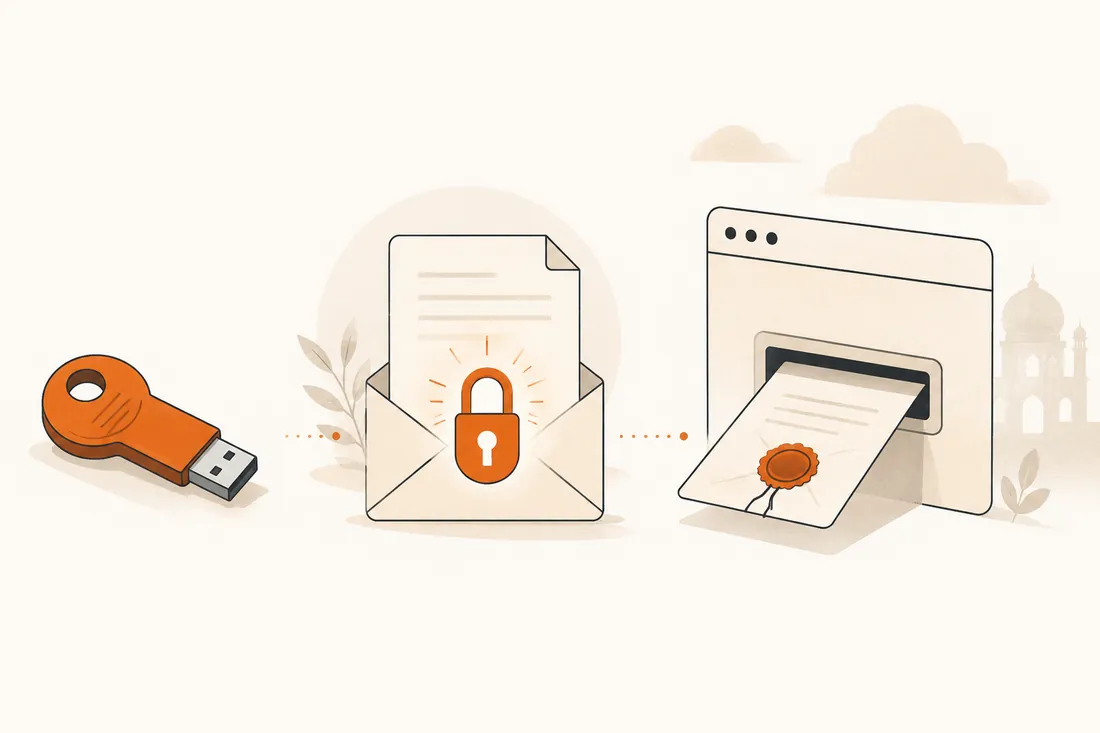
You cannot submit a single online government bid in India without a Digital Signature Certificate (DSC) — and not just any DSC, a Class 3 one on a USB token. It's the digital equivalent of signing and sealing your tender in front of a notary: it proves who submitted the bid and encrypts your price so no one can peek before the official opening. This guide is vendor-neutral — we don't sell DSCs — and covers exactly what you need, why Class 3, how to get one, register it, renew it, and fix the errors that strand bidders on the last day.
- What: a Class 3 DSC is a government-recognised digital ID on a secure USB token, issued by a licensed Certifying Authority.
- Why Class 3: it's the only class still issued for e-tendering — Class 2 was discontinued in January 2021.
- You need both functions: a signing certificate (to sign the bid) and an encryption certificate (to seal the financial cover) — usually a combo.
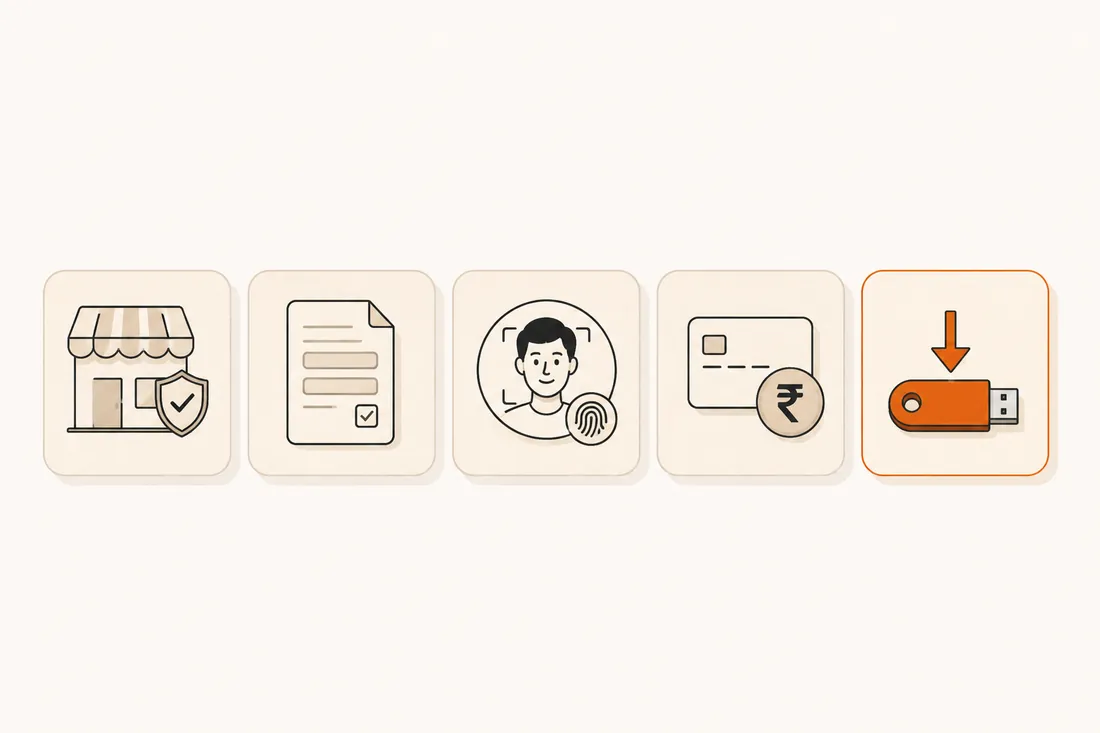
- Getting one: pick a CA, give PAN + Aadhaar, complete eKYC, pay, download to a token — often within an hour. Then register the DSC on each portal.
- Renew before it expires — an expired DSC is the classic last-day bid-killer.
What is a DSC — and why e-tendering needs one
A Digital Signature Certificate is an electronic credential, issued by a licensed Certifying Authority (CA) under the Controller of Certifying Authorities (CCA), that binds your identity to a cryptographic key pair. When you "sign" a document with it, anyone can verify two things: that you signed it, and that nothing has changed since. Under the Information Technology Act, 2000, a digitally-signed document carries the same legal standing as a hand-signed one.
E-procurement portals — GeM, the Central Public Procurement Portal (CPPP / eprocure.gov.in) and the state GePNIC sites — are built around that guarantee. Your bid is digitally signed (so it can't be repudiated or tampered with) and your financial bid is encrypted (so even the department can't read your price before the scheduled opening). Both operations require a DSC, which is why it's the very first thing you arrange before bidding.
Why Class 3 (and not Class 2)
DSCs used to come in classes by assurance level. That changed:
| Class | Status | Use |
|---|---|---|
| Class 1 | Largely retired | Basic email-level identity — never valid for tenders. |
| Class 2 | Discontinued (Jan 2021) | Was used for MCA/IT filings; the CCA merged it into Class 3. |
| Class 3 | Current standard | Highest assurance, identity verified — mandatory for e-tendering, GeM and e-auctions. |
So today there's effectively one answer for bidding: a Class 3 DSC. If an old guide tells you a "Class 2" certificate is fine for tenders, it's out of date — the CCA discontinued Class 2 issuance from 1 January 2021, and portals now require Class 3.
Signing vs encryption — and individual vs organisation
Two distinctions trip people up. Get them right before you buy.
Signing certificate + Encryption certificate
A signing certificate authenticates you and makes the bid tamper-evident. An encryption certificate is what locks (encrypts) your financial bid so it stays sealed until opening. Tenders need both functions, so for e-tendering you buy a Class 3 combo (signing + encryption) certificate — a "signing-only" DSC won't let you encrypt the price cover on many portals.
Individual vs Organisation DSC
An individual DSC is in a person's name; an organisation DSC is in the firm's name with a named authorised signatory. For bidding as a company/firm, most departments expect an organisation Class 3 DSC tied to your authorised signatory. A sole proprietor often bids with an individual DSC — but match whatever the tender and your portal registration require.
The USB token
A Class 3 DSC must live on a secure hardware crypto token (a small USB device — ePass, ProxKey, etc., FIPS-compliant). The private key is generated on the token and can never be copied off it, which is what makes the signature trustworthy. Practical consequences:
- You plug the token in and enter a PIN to sign — keep the PIN safe; too many wrong attempts can lock the token.
- You must install the token's driver and the portal's signer utility / Java component on the machine you bid from.
- One token can hold your certificate(s); don't share it — it is your legal signature.
How to get a Class 3 DSC, step by step
With Aadhaar OTP eKYC, the certificate can be issued in well under an hour; the physical token is then couriered (or you use a token you already own).
Documents required
| For | Typically required |
|---|---|
| Individual DSC | PAN, Aadhaar (for OTP eKYC), a photo, active email & mobile. |
| Organisation DSC | The above for the signatory plus the firm's PAN/GST, proof of constitution, and an authorisation letter / board resolution naming the signatory. |
Cost & validity
A Class 3 DSC is sold for a validity of 1, 2 or 3 years (3 years is the usual cap). Pricing varies by CA, validity and whether it's individual or organisation, and whether a fresh USB token is bundled — a 2-year combo with token is commonly in the low four figures. Buying a longer validity saves you the renewal hassle and the risk of an expiry catching you mid-tender.
Register (map) your DSC on the portal
Owning a DSC isn't enough — each portal must know it's yours. After you enrol as a bidder, you register / map the DSC to your account once, so the portal can verify your signature at bid time:
- Log in to the portal (GeM / CPPP / your state GePNIC site), open your profile, and choose register / update DSC.
- Plug in the token, select your signing certificate (and encryption where asked), and confirm with the PIN.
- Re-register when you renew or change your DSC — a new certificate won't be recognised until it's mapped again.
If you're new to the portals, our how-to-apply guide and the end-to-end tender process walk through enrolment and where the DSC fits.
Where else your DSC is used
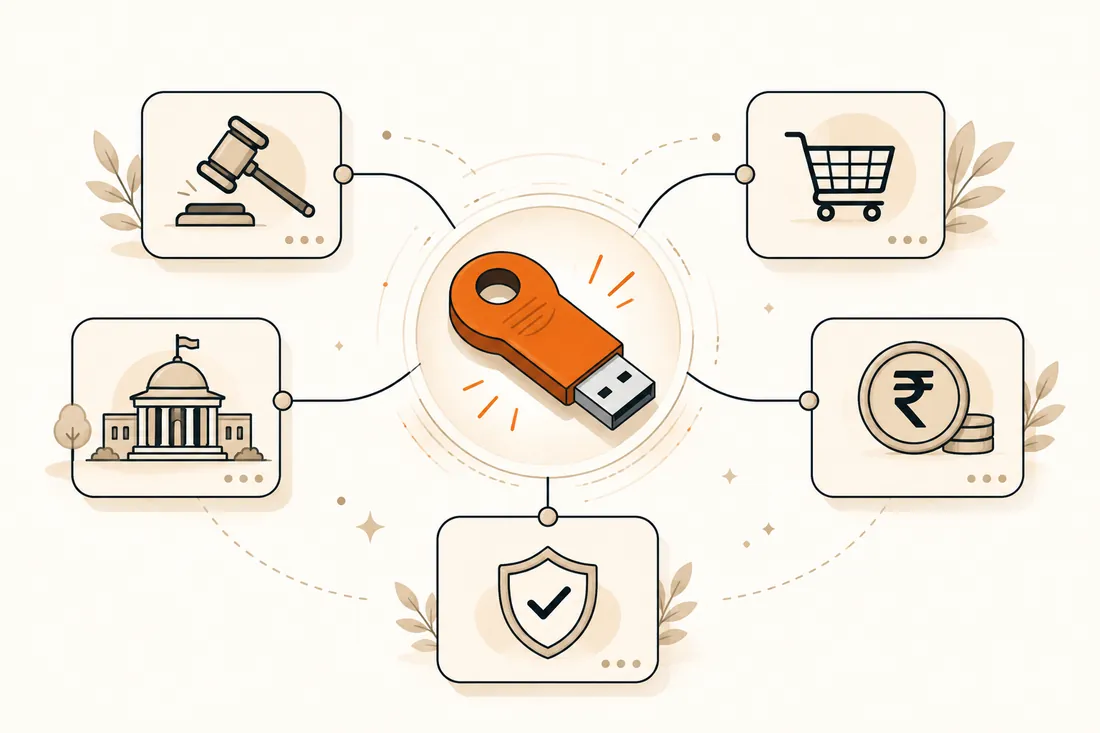
The same Class 3 DSC works far beyond tenders — it's accepted across e-government services: GeM and CPPP/GePNIC e-tendering, MCA / ROC company filings, Income-Tax and GST filings, EPFO, ICEGATE (customs), DGFT, and e-auctions. One certificate, many doors — which is another reason a longer validity is good value.
Got your DSC? Find tenders to bid on
70,000+ live tenders across 30+ portals — filter by sector, state, value and work type, free, no login.
Common DSC errors & quick fixes
Nearly every "my DSC isn't working" panic is one of these — and most are last-day, last-minute. Pre-empt them.
| Symptom | Likely cause & fix |
|---|---|
| DSC not detected | Token driver not installed, token not plugged in, or the signer utility / Java component missing. Install the token driver + the portal's web-signer and retry. |
| Certificate not showing / wrong one listed | Multiple certificates on the token, or expired one selected. Pick the valid Class 3 signing certificate. |
| "DSC not registered" / mismatch | The certificate isn't mapped to this portal account, or you renewed without re-registering. Re-register the DSC in your profile. |
| DSC expired | No grace period — apply for a fresh one. (Prevent: renew a month early.) |
| Token locked | Too many wrong PIN entries. Use the token tool to unlock with the admin PIN, or contact the CA. |
| Browser / Java issues | Use a supported browser and keep the signer utility updated; some portals need the Java component running. |
| Class 2 rejected | Class 2 is discontinued — get a Class 3 DSC. |