How to register and sell on GeM
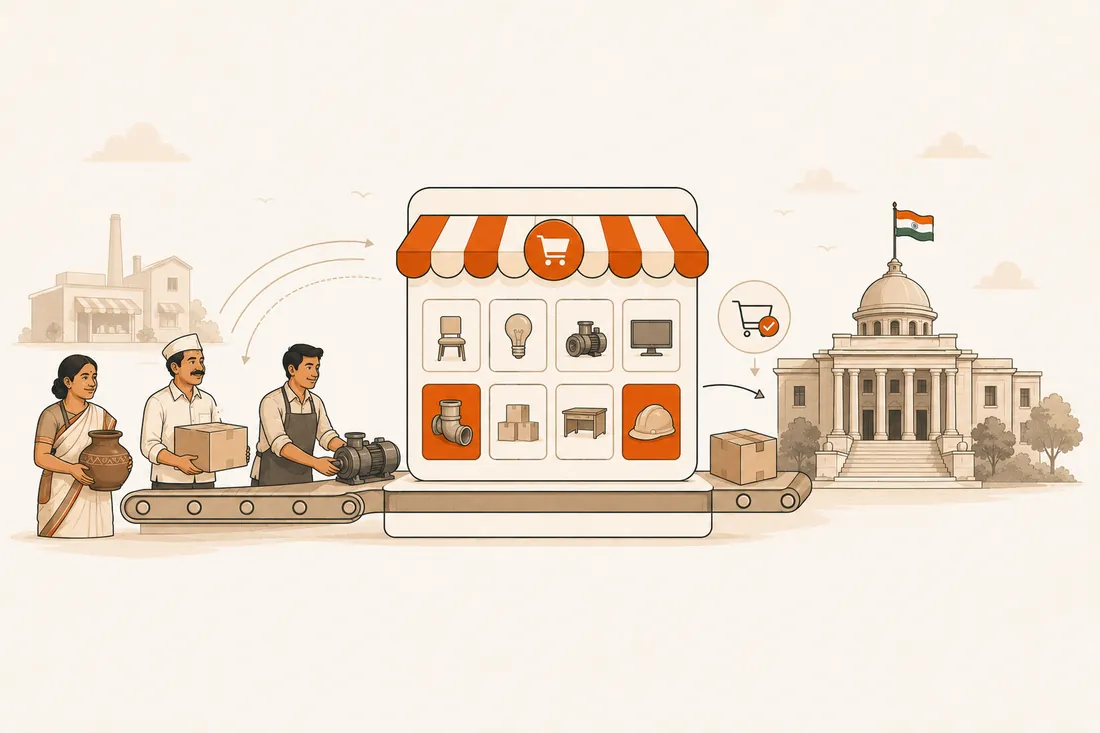
- Registration is free and usually clears in 3–7 working days with correct documents.
- How buyers buy depends on value: direct for small orders, L1 comparison mid-range, bid / reverse auction for large orders.
- GeM is for goods & services; civil works & project tenders run on eProcure/GePNIC — what BidEasy aggregates.
If you sell products or services and want government customers, GeM is the front door. Launched to make public procurement transparent and paperless, it now carries lakhs of buyers across central and state government, PSUs, autonomous bodies and local bodies. This guide walks a seller from sign-up to first order.
GeM vs eProcure: which one do you need?
Who can register & what you need
- Any business, MSME, startup or service provider — proprietorship, partnership, LLP or company.
- PAN and an Aadhaar-linked mobile (for OTP verification / e-sign).
- GSTIN for most categories (some are exempt), plus a bank account with proof.
- Udyam / MSME registration — optional, but unlocks fee/EMD exemptions and purchase preference.
Seller registration — step by step
Sign up at gem.gov.in
Go to the portal, choose Sign Up → Seller, and accept the terms.
Verify your identity
Authenticate with PAN and your Aadhaar-linked mobile OTP (or organisation details) and create your login.
Complete your business profile
Add legal name, address and GSTIN; add Udyam/MSME details to claim benefits.
Add bank account & documents
Enter your bank details with proof and upload PAN, GST and any category-specific documents.
List your catalogue
Create product or service listings under the correct category — accurate specs, images and pricing are what get you found.
Receive orders & bid
Get direct orders, or participate in bids and reverse auctions floated by buyers. Fulfil, and payment follows online.

How government buyers purchase on GeM
The buying route depends on the order value — worth knowing, because it tells you when to price sharply and when to expect an auction:
| Order value | How it's bought |
|---|---|
| Up to ₹25,000 | Direct purchase from any suitable seller |
| ₹25,000 – ₹5 lakh | From the L1 (lowest-price) seller among adequate options |
| Above ₹5 lakh | By bid or reverse auction |

Why sell on GeM
- Free registration and direct access to government buyers nationwide.
- MSME & startup preference — exemptions and purchase preference under government policy.
- Transparent and online — no middlemen, every order on record.
- Large, recurring demand and digital, traceable payments.
Documents at a glance
| Document | Why it's needed |
|---|---|
| PAN | Business / individual identity |
| Aadhaar-linked mobile | OTP verification & e-sign |
| GSTIN | Tax compliance (most categories) |
| Udyam / MSME | Benefits & purchase preference |
| Bank account + proof | Receiving payments |
Looking for works & project tenders?
GeM covers goods & services. For civil works and contracts across 30+ portals, 70,000+ live tenders are on BidEasy — free.